SubTrack SubTrack Get the App
Private · Offline-first · Free

Track every subscription. Stop overpaying.

See your monthly spend at a glance, get renewal reminders before you're charged, and finally know where your money goes. No accounts. No banks. Just your phone.
10+ languages
No sign-up
Works offline
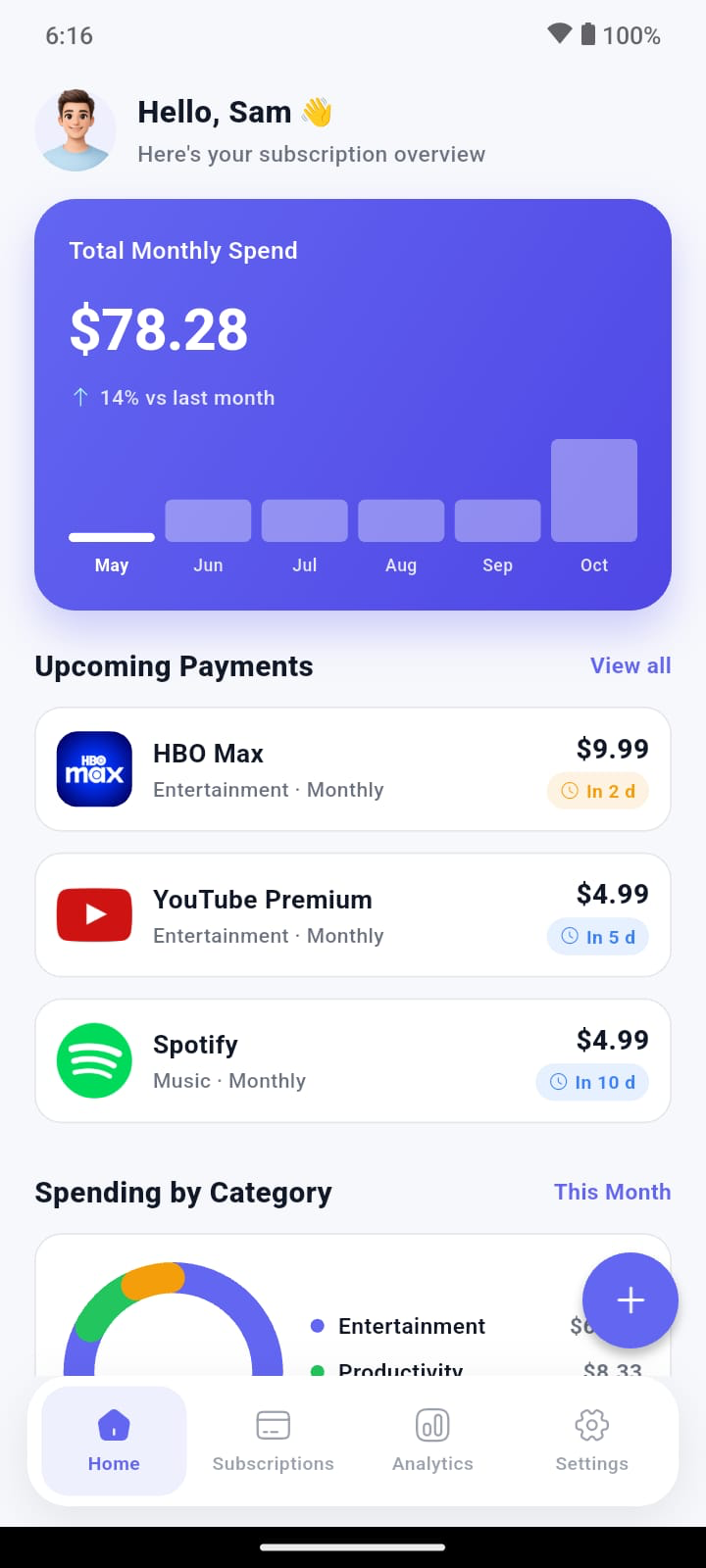
SubTrack home screen — total monthly spend, upcoming payments, and spending by category

Tracks all your favorite services

Netflix Spotify Prime Video Disney+ HBO Max Apple TV Hulu YouTube ChatGPT Claude GitHub iCloud PlayStation Xbox Canva Copilot

Features

Everything you need to take back control.

A single, calm view of every recurring charge — with the alerts you wish your bank gave you.

Renewal reminders

Smart, timezone-aware nudges 1, 3, 7, or 14 days before any charge. Pause one before you forget.

Monthly spend at a glance

Normalize weekly, monthly, and yearly plans into a single, honest number. No more nasty surprises.

Category breakdown

See where your money goes — entertainment, productivity, fitness — at a glance, with a clean donut chart.

6-month spend projection

Look ahead. Know exactly what's coming over the next 180 days — and budget for it.

Private by default

No accounts. No banks. No cloud. Your data lives only on your phone — period.

10+ languages & any currency

English, Spanish, French, German, Hindi, Chinese, Portuguese, Arabic, Japanese — and your local currency.

How it works

Set up in 60 seconds.

No sign-up, no questions asked.

1

Add a subscription

Pick from 24+ presets like Netflix, Spotify, ChatGPT — or add your own. Logos and categories are matched automatically.

2

Set your reminders

Choose how many days before billing you want to know, and what time. We'll send a quiet, on-time nudge.

3

Watch your spend

Monthly total, category mix, and 6-month projection — updated the moment you make a change.

A look inside

Built to feel calm, not cluttered.

Every screen is designed for the most boring (and most expensive) part of your month.

Track every subscription
All your subs in one place

A home for every recurring charge.

Streaming, AI tools, cloud storage, fitness, gaming — searchable, filterable, and color-coded by status.

  • Filter by active, paused, or cancelled in a tap.
  • Pause a subscription instead of deleting — keep your history.
  • Notes, payment method, and next-billing date on each card.
Insights, not noise

See where your money actually goes.

A clean breakdown of your top categories, your monthly trend, and what's coming over the next six months.
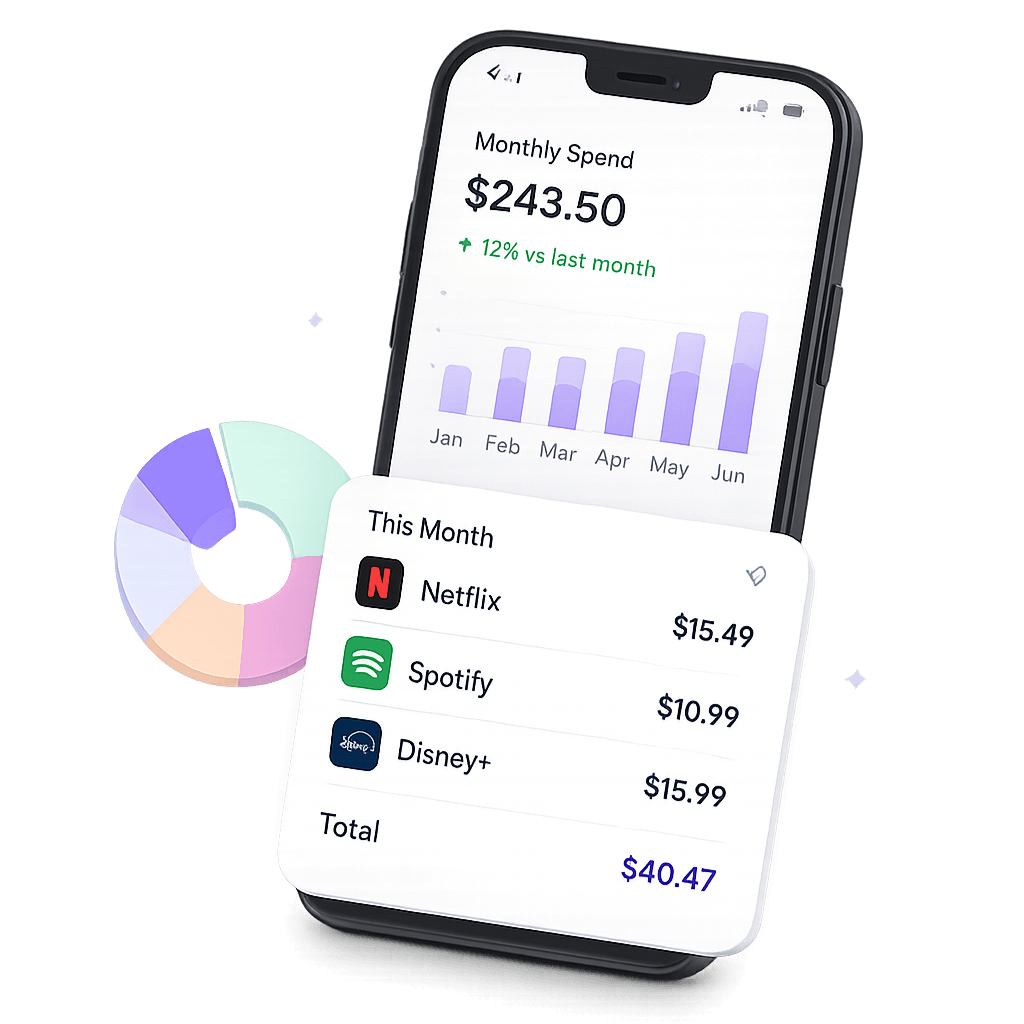
  • Donut chart of top 4 categories — plus "Others" for the long tail.
  • Weekly, monthly, and yearly plans normalized to one true monthly number.
  • 6-month projection so you can plan, not panic.
Spending insights
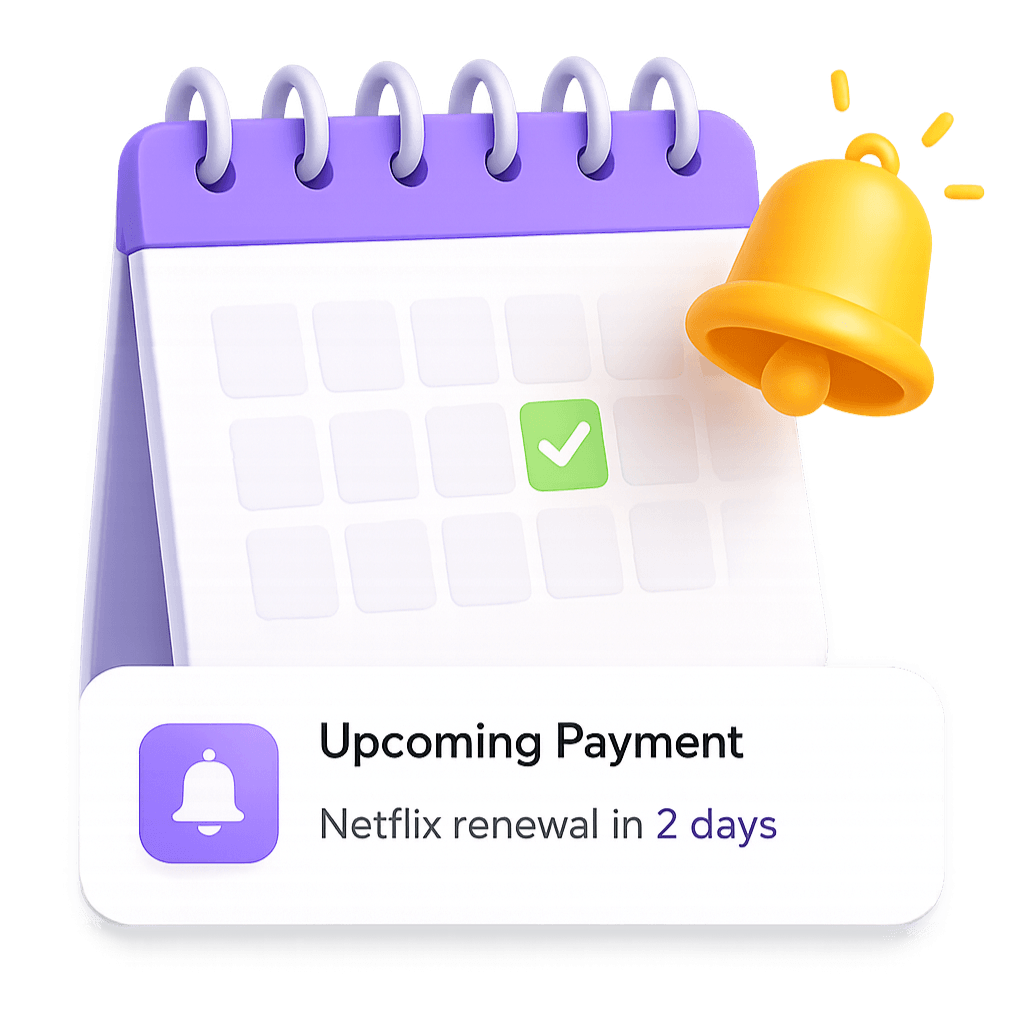
Renewal reminders
Never get surprise-charged again

Reminders that respect your time.

Timezone-aware, battery-friendly, and configurable down to the time of day. Pick once and never think about it again.

  • Pick 1, 3, 7, or 14 days before each charge.
  • Choose your preferred time-of-day — no 6am pings.
  • Plays nice with battery saver and Do Not Disturb.

$0

Hidden fees. Forever.

24+

Popular services pre-loaded.

10

Languages out of the box.

FAQ

Quick answers.

Is SubTrack really free?
Yes. No paid tiers, no upsells, no ads. The app is free to download and use.
Do you connect to my bank?
Never. SubTrack doesn't connect to your bank, doesn't read your statements, and doesn't ask for any financial credentials. You enter your subscriptions yourself — and that's it.
Where is my data stored?
On your phone. SubTrack uses on-device storage only. No cloud sync, no remote servers, no analytics on the data you enter.
Does it work offline?
Completely. SubTrack does not require an internet connection to add subscriptions, view your spend, or get renewal reminders.
How do I delete my data?
Open Settings → Clear all data, or simply uninstall the app. Everything goes with it. Full instructions →
Which platforms is SubTrack on?
iOS and Android.

Stop overpaying. Start tracking.

Get SubTrack now and find out how much you're really spending each month.